Guides 14/11/2025 Nichita Roilean, Founder 7 min read
Common 3D Printing Problems and How to Solve Them
The 7 most common FDM printing problems have specific fixes: eliminate stringing by reducing nozzle temperature 5 °C at a time, prevent warping by heating the bed and drying the filament.
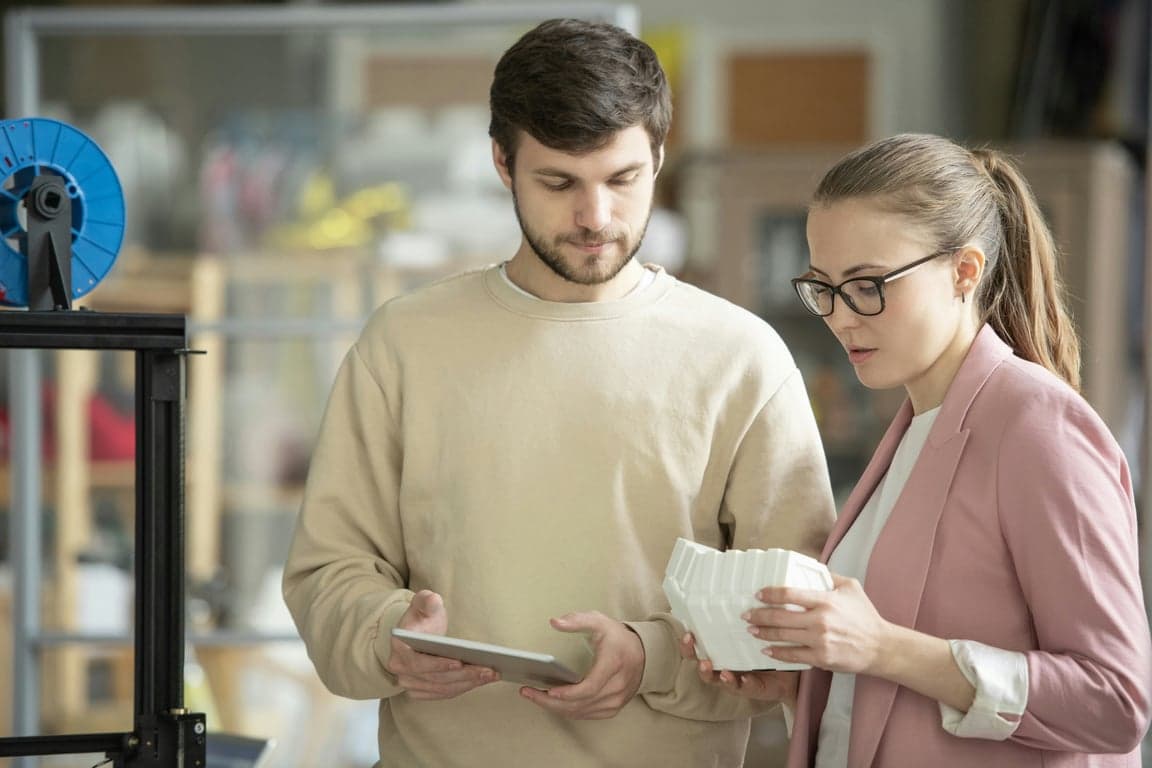
Even the highest quality 3D printers sometimes produce a print that doesn't look as desired. Hairy strings between parts, warped corners, or layers that separate – these problems frustrate both beginners and experienced enthusiasts. The good news? Most of them can be solved with correct settings and understanding their causes.
In this article, we'll go through the most common problems that can affect your 3D prints and show you how to identify, resolve, and ideally prevent them — that means knowing the rules for first-try success at the design stage.
1. Stringing (hairy strings between parts)
What causes stringing in 3D printing?
Stringing manifests as thin plastic threads or cobwebs between different parts of a model where there should only be air. It looks as if the printer is leaving strands of molten filament behind the nozzle.
Causes
- Too high nozzle temperature: The material is too fluid and oozes even when moving without printing
- Incorrect retraction settings: Retraction (pulling the filament back) is not fast enough or long enough
- Wet filament: Moisture in the material causes bubbling and oozing
- Too slow travel speed: Slow movement between points gives the material time to ooze
Solutions
- Lower nozzle temperature by 5 °C and test until stringing disappears
- Optimize retraction:
- Increase retraction distance by 0.5-1 mm (usually 4-7 mm for Bowden, 0.5-2 mm for Direct Drive)
- Increase retraction speed (30-60 mm/s)
- Dry filament in a dryer or oven (especially for PETG, which absorbs moisture)
- Increase travel speed when moving without printing to 150-200 mm/s
- Activate Z-hop – the nozzle slightly lifts above the model during travel
2. Warping (curling corners)
Why does my 3D print lift off the bed?
Warping is a deformation where the corners or edges of the print curl upwards and lift off the print bed. This causes the model to lose accuracy and can even completely detach during printing.
Causes
- Uneven cooling: Material shrinks as it cools, upper layers pull on lower ones
- Unheated or insufficiently heated bed
- Poor bed adhesion
- Too much cooling (particularly for technical materials)
- Large print area without brim or raft
Solutions
- Heat the print bed:
- PLA: 50–60 °C
- PETG: 70–80 °C
- Improve adhesion:
- Use glue, hairspray, or special adhesion sheets
- Thoroughly clean the bed of grease (isopropyl alcohol)
- Add a brim or raft – this increases the contact area with the print bed
- Reduce cooling for materials prone to warping
- Use an enclosed printer for warping-prone materials
- Round off corners in the design – sharp corners are more susceptible
3. Delamination (layer separation)
Why are my 3D print layers separating?
Delamination occurs when individual print layers do not bond to each other and separate. The model looks as if it is falling apart into horizontal slices.
Causes
- Too low nozzle temperature: Layers do not bond sufficiently
- Insufficient cooling of previous layers
- Too fast printing: The new layer does not settle on the previous one, which hasn't cooled enough
- Wet filament
- Undercooled room (for sensitive materials)
Solutions
- Increase nozzle temperature by 5-10 °C
- Reduce print speed – give layers time to bond properly
- Increase layer height (e.g., from 0.1 mm to 0.2 mm)
- Dry filament
- Reduce model cooling for materials that don't handle rapid cooling well
- Ensure stable ambient temperature – avoid drafts
4. Poor first layer adhesion (model doesn't stick)
How do I fix poor first layer adhesion?
The first layer does not stick to the print bed; the model moves or completely detaches at the beginning of the print.
Causes
- Nozzle too high above the bed
- Dirty or greasy bed
- Unheated bed (for materials that require it)
- Too fast first layer printing speed
- Poorly leveled bed
Solutions
- Calibrate nozzle height (Z-offset):
- The first layer should be slightly compressed, but not over-compressed
- Use the paper method or automatic bed leveling
- Thoroughly clean the bed with isopropyl alcohol
- Heat the bed to the correct temperature for the material
- Reduce first layer speed to 20-30 mm/s
- Use an adhesion aid:
- Glue stick
- Hairspray
- Adhesion sheet or PEI sheet
- Add a brim for a larger contact area
5. Under-extrusion (insufficient extrusion)
What is it?
The model has gaps, thin walls, weak infill, or visible seams. The printer is not extruding enough material.
Causes
- Partially clogged nozzle
- Too low nozzle temperature – material flows slowly
- Incorrectly set extruder steps (E-steps)
- Extruder slipping – gear does not grip the filament sufficiently
- Clogged or worn nozzle
- Too fast printing
Solutions
- Check and clean the nozzle:
- Perform a "cold pull" technique
- Or replace the nozzle with a new one
- Increase nozzle temperature by 5-10 °C
- Calibrate E-steps (extruder calibration procedure)
- Increase flow rate by 5-10% in the slicer (carefully!)
- Check filament tension – springs too loose or too tight
- Reduce print speed
6. Over-extrusion (excessive extrusion)
What is it?
The model surface has bumps, unevenness, "elephant's foot," or excess material. The printer extrudes too much plastic.
Causes
- Incorrectly calibrated E-steps (extruding more than it should)
- Too high flow rate in the slicer
- Nozzle too close to the bed (for the first layer)
- Too high nozzle temperature
Solutions
- Calibrate E-steps correctly
- Reduce flow rate by 5% in the slicer
- Increase Z-offset (nozzle distance from the bed)
- Lower nozzle temperature
- Check filament diameter – enter the actual value into the slicer
7. Layer Shifting (layers shifted)
Why do the layers of my print shift sideways?
The layers of the model shift relative to each other – creating steps or making the entire model look like it has "fallen apart" sideways.
Causes
- Loose or skipped belts
- Too fast printing or sudden accelerations
- Mechanical obstructions (jammed cable, plastic debris)
- Weak or overheated stepper motors
- Poor model adhesion – model moved during printing
Solutions
- Tighten belts (but not excessively – they must have correct tension)
- Reduce print speed and acceleration
- Check for any obstructions during axis movement
- Check motor current settings – they might need more current
- Ensure good model adhesion to the print bed
- Check printer mechanics – bearings, guides
Quick reference: causes and fixes for the most common problems
| Problem | Most common cause | First fix step |
|---|---|---|
| Stringing | Nozzle temperature too high | Reduce temperature by 5 °C |
| Warping | Unheated bed | Heat bed (PETG: 70–80 °C) |
| Delamination | Nozzle temperature too low | Increase temperature by 5–10 °C |
| Poor adhesion | Nozzle too high (Z-offset) | Calibrate Z-offset |
| Under-extrusion | Clogged or worn nozzle | Cold pull or replace nozzle |
| Over-extrusion | Incorrectly calibrated E-steps | Calibrate E-steps, reduce flow by 5% |
| Layer shifting | Loose belts | Tighten belts, reduce print speed |
Tips for preventing problems
Prevention is always better than solving problems. Here are some general tips to minimize issues:
Regular printer maintenance
- Clean the nozzle and print bed regularly
- Lubricate moving parts
- Check screw tightness and belt tension
- Calibrate the bed before important prints
Filament storage
- Store filament in a dry environment
- Use vacuum bags or boxes with desiccant
- Dry wet filament before use
Correct slicer settings
- Use quality profiles for your material
- Test new materials on small models
- Save proven settings for different print types
Quality materials
- Don't buy the cheapest filament – quality pays off
- Try recommended brands
- Check filament diameter (variations cause problems)
When to entrust printing to professionals?
If you encounter problems repeatedly, or simply don't have time to solve them, consider using a professional 3D printing service. You will get:
- Guaranteed quality – parts printed on calibrated and maintained machines
- Wide range of materials – including advanced ones that are difficult to print
- Time savings – no tuning, no failed prints
- Expert advice – we'll help you choose the right material and optimize the design
Contact us and have your models printed without worries for a perfect result.